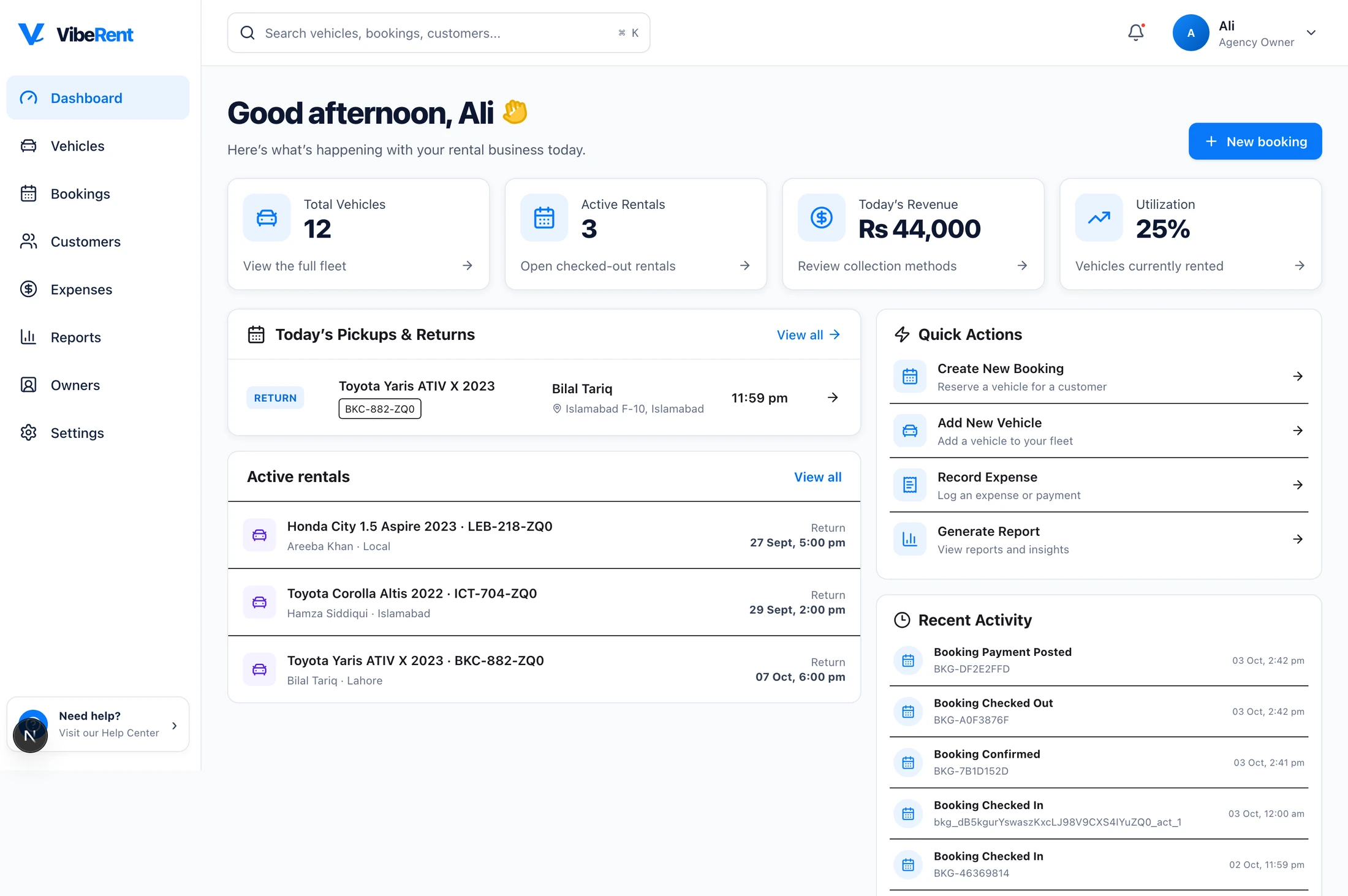
Every rent-a-car business knows the routine. A customer walks in, hands over their CNIC, and someone types the name, number and date of birth into a register or a spreadsheet. It is slow, and one wrong digit causes trouble later.
VibeRent replaces that step with a camera.
From CNIC to car keys
- Scan. Photograph the customer's CNIC.
- OCR. VibeRent reads the card and fills in the name, CNIC number and date of birth.
- Availability. The calendar checks the car is free for the dates asked.
- Book. The reservation is confirmed, with no double booking.
- History. The rental, payment and any issues are saved to the customer's record.
The profile is created in the time it takes to take a photo, and staff check it instead of typing it.
One calendar, so no car is booked twice
Double bookings usually happen because availability lives in someone's head, a notebook or a WhatsApp group. VibeRent keeps one availability calendar for the whole fleet. Before a booking is confirmed, the system checks the car is actually free.
Every customer has a history
Because every rental, payment and issue is saved against the customer, the next booking starts with context: how often they rent, whether they paid on time, whether there were problems with a vehicle.